
Hybrid Product Preservation
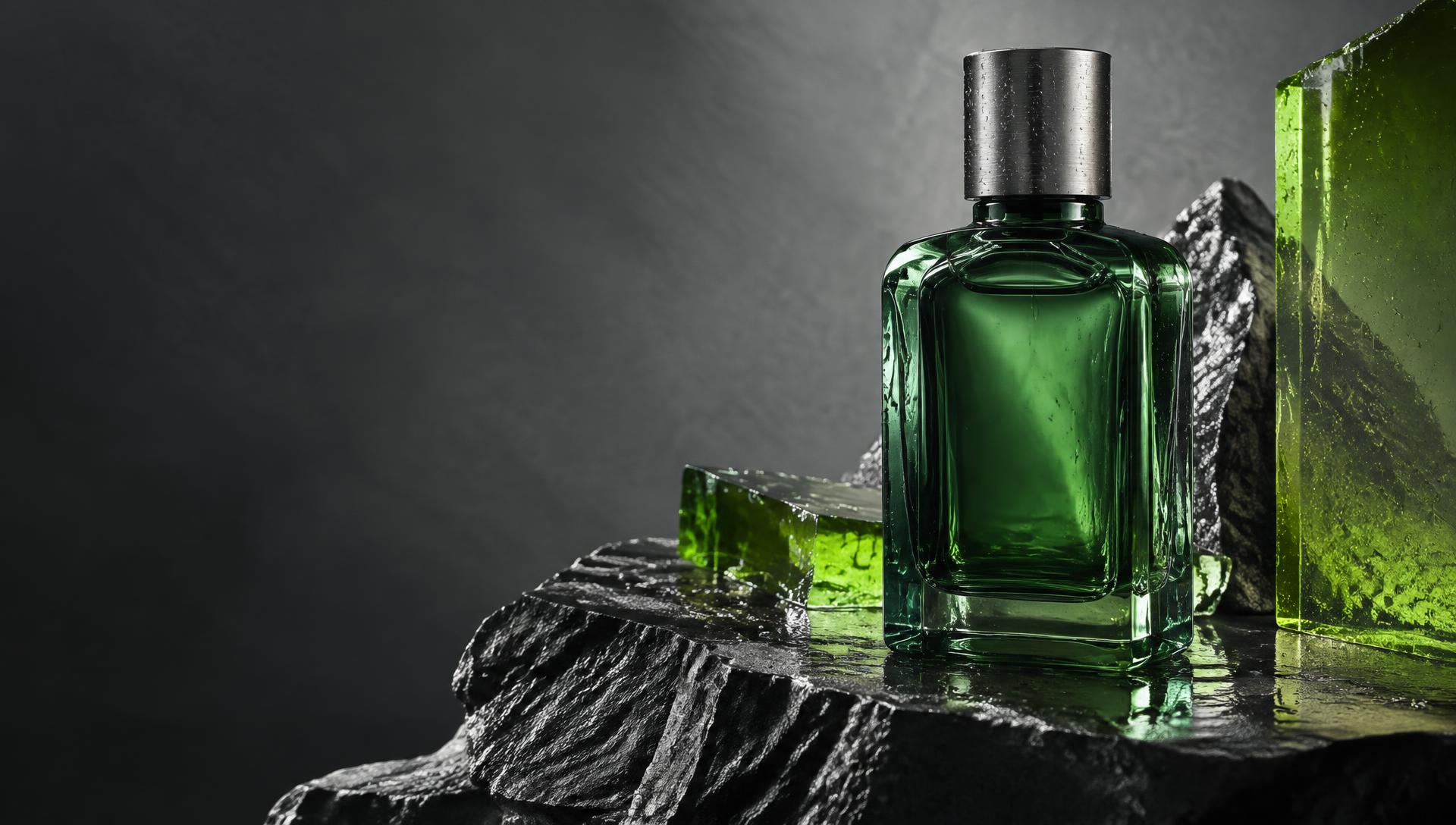
Your product is cut out on your own device; the AI generates only the scene around it. Labels, logos, and packaging stay pixel-true — never regenerated.
Kyanbasu / Photography · Design · Motion
Bring a product photo or start with an idea. Create a studio scene, shape a campaign, and turn a still into a short video — in one workspace.
50 one-time welcome credits. No card required. Welcome credits do not refill monthly.
Start with your photo. Explore lighting and scenes, then send the result to the editor, resize it, or animate it.
Open Product PhotoshootChoose a Lookbook concept and Starter Brief, or develop a new creative direction with AI Studio.
Explore the LookbookWhat makes Kyanbasu different
Your product is cut out on your own device; the AI generates only the scene around it. Labels, logos, and packaging stay pixel-true — never regenerated.
Describe the goal. KAI plans the full campaign — briefs, channels, and itemized credit costs — before a single credit is spent. You approve; the studios execute.
One design, every format. Adaptive reflow keeps type inside social safe zones, art directions restyle by role, and every generated word stays an editable layer.
One product photo becomes a coordinated four-piece bundle — packshot, scene, poster, and motion — orchestrated together with credits itemized up front.
The creative workspace
From a phone photo to a marketplace-ready packshot or an art-directed scene.
Upload a product photo, explore studio and lifestyle scenes, adjust lighting, and add a reference image for art direction. Hybrid preservation keeps your product pixel-true; send results to the editor, Repurpose, or Animate.
Explore Product PhotoshootTake a product photo using your phone’s camera or select an image, remove the background, and send it to your library. Add Kyanbasu to your home screen on supported browsers.
Explore Capture & Pocket StudioImport products from a CSV file or direct public CSV URL, connect catalog creatives, and export assets in multiple formats.
Explore Catalog FeedsBriefs, posters, and every format your channels demand.
Arrange images, text, shapes, and layers; adjust color and composition; create posters and logos with AI. Try manual editing as a guest; an account is required to save, download, or use AI.
Explore Design EditorBrowse campaign concepts, choose a format and creative direction, and open a matching brief in the editor. AI generation starts only when you choose to generate.
Explore Lookbook & Starter BriefsDevelop a campaign from an idea with AI art direction, then review the brief before approving credit-based generation.
Explore AI StudioAdapt a creative to multiple social formats, select a channel pack, and download a ZIP of the selected sizes.
Explore RepurposeShort cinematic video, voiceovers, and captions that sound like you.
Direct 5–8 second video ads from a photo or prompt with six camera and atmosphere recipes. Add four AI voice personas, editable scripts, estimated captions, and original-soundtrack mixing. Standard supports 9:16, 16:9, 1:1, and 4:5. Ultra Cinematic uses Veo 3.1 for 8-second, 1080p clips on Pro, Business, and Studio. Narrated exports use MP4 where supported, otherwise WebM.
Explore Product Motion & VoiceoverCreate brand-aware captions, ad copy, and hashtags. Copy or share your post with its image, and organize planned posts in a queue. Publish manually; automatic queue delivery is not currently available.
Explore Social CaptionsThe memory and structure that keep every output unmistakably yours.
Keep logos, colors, fonts, voice guidelines, and brand memory together. Test your brand voice and reuse it across creative workflows.
Explore Brand Kit & MemoryOrganize uploaded and generated assets, find your creative work, and reuse it in the editor and other tools. Storage allowances depend on your plan.
Explore Asset LibraryInvite collaborators by email, manage workspace members and roles, and share brand assets. Collaborators join by accepting an invitation; seats depend on your plan.
Explore Team WorkspacesProduct Motion / Video + Voice
Turn a product photo or a written idea into a 5–8 second video ad. Choose a camera recipe, add a commercial voiceover, and finish with captions and balanced sound.
Motion study / 001
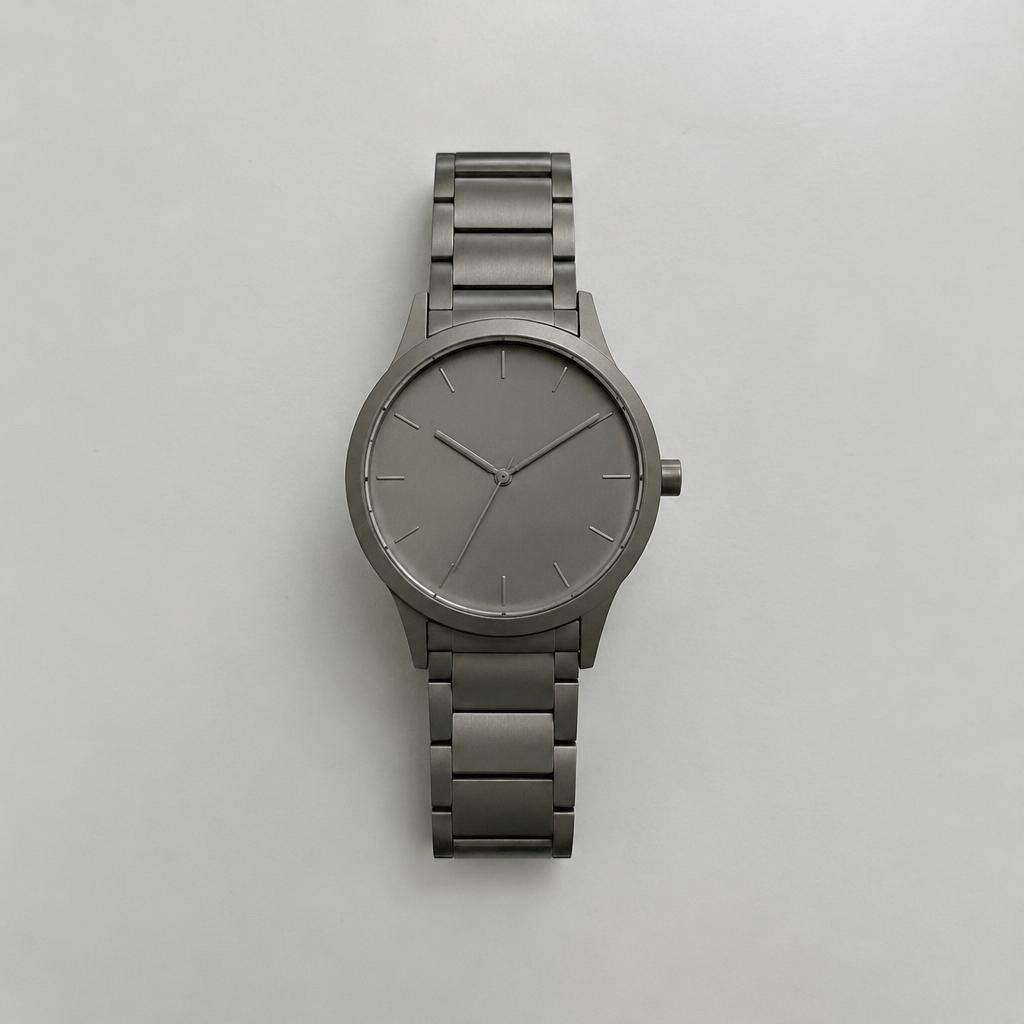
One everyday product photo.
A different world around it.
“Turn the tabletop into liquid silver. Send ripples beneath the watch, sweep a ribbon of light across the steel, and slowly arc the camera.”
Actual image-to-video generation, not a still-image animation. Demo rendered at 1080p using the model behind Standard; Standard in the studio exports at 720p. AI may change fine details.
Slow 360° spin on a pedestal
Slow 360-degree orbit around the product on a luxury rotating pedestal, soft dramatic light sweeps across the label, cinematic depth of field, seamless dark studio backdrop, subtle reflection on the glossy floor.
Direction studies use still photos, not six generated previews. The film above is a real AI generation; results vary.
The voice of your campaign
Luxury & Serene / AI-generated sample
“Time and Tide. Quietly refined. A moment, beautifully yours.”
Time / Tide · fictional product script
Write your own script, preview narration, add estimated captions, and balance the original soundtrack. Voiceover generation is charged separately; auditions are prerecorded.
Caption timing is estimated, not word-aligned. Narrated downloads use MP4 where your browser supports it, otherwise WebM.
Standard: 720p, 5 or 8 seconds. Cinematic Fast: Veo-powered 720p, 8 seconds, on paid plans. Ultra Cinematic: Veo 3.1, 1080p, 8 seconds, on Pro, Business, and Studio.
Cinematic text-to-video supports portrait or landscape. Photo-to-video follows the source image’s shape and requires PNG or JPEG. Review AI output for product accuracy.
See plans and itemized costsStart with your own product photo, or explore a campaign brief. Review AI output for product accuracy before publishing.
Create your free account